Mobile App Design: How It Works and What to Ask a Design Partner
A mobile app gets judged in the hand, on a small screen, often with half the user's attention somewhere else. Nobody thinks about grid systems or tap targets in that moment. They notice whether the thing they came to do was easy or annoying, and that verdict shows up in App Store and Google Play reviews long after launch.
Design shapes that experience. Below, we cover what the discipline includes, where mobile differs from web design, how the work usually moves from idea to tested product, and what to ask if you're hiring a team to do it. If you already have an app in mind, tell us about it, and we'll share how we'd approach it.
Quick Summary
Designing a mobile app means combining user experience (how the app works) and user interface (how it looks and responds), and the two need to be planned together.
Strong mobile design respects iOS and Android conventions and holds up across screen sizes, from compact phones to tablets.
Most projects loop through user research, early layouts, clickable prototypes, and testing, though the order and depth flex with the product.
The right design partner has shipped in your category, researches before designing, and works closely with engineers.
What Mobile App Design Covers
Mobile app design is the practice of planning how a mobile application works, looks, and feels on phones and tablets. It splits into two disciplines that only succeed together.
User experience design covers structure and flow: which screens exist, how people move between them, and how few steps it takes to finish a task. User interface design covers the visual layer, including typography, color, iconography, motion, and how controls respond to a tap or swipe. Visual design gets most of the attention in a portfolio, but a beautiful screen in the wrong place in the flow still loses people.
That's why we treat UI/UX design as one job inside a broader product design effort. Every decision ties back to a real user need and a business goal, not an aesthetic preference. For a hands-on checklist covering clutter, thumb reach, and readability, see our quick tips for mobile UX/UI design.
Where Mobile Differs From Web Design
The two share principles, but mobile devices bring constraints a desktop browser doesn't.
Platform conventions. iOS and Android each have their own design language, documented in Apple's Human Interface Guidelines and Google's Material Design. Users carry those expectations from app to app. An iPhone user expects to swipe from the screen edge to go back, while an Android user expects the system back action. Patterns like where the navigation bar sits and how tabs behave should feel native to each platform, even when the brand stays consistent.
Screen sizes and input. A layout has to hold up across a wide range of screen sizes, from small phones to foldables and tablets. Responsive design on mobile goes beyond reflowing content. It means building a system of components that adapts, with tap targets sized for thumbs rather than a cursor.
Store requirements. Apple and Google both review apps before they go live, and both publish guidelines covering privacy disclosures, permissions, and in-app purchases. We design with those rules in mind from the start so store requirements don't force late rework.
How the Work Usually Moves
The exact process flexes with the product, the team, and how much is already known. Most mobile projects still move through a similar set of activities, often in loops rather than a straight line.
User research. Interviews, analytics reviews, and audits of comparable apps clarify who the product is for and what they're trying to get done.
Wireframes. Low-fidelity layouts map structure and flow before anyone debates color. Here's how wireframes, mockups, and prototypes differ.
Prototypes. Clickable versions, usually built in Figma, let a team feel the flow on a real phone. They're the easiest place to catch a confusing step.
User testing. Putting those in front of real people surfaces usability problems while they're still simple to fix. User testing and usability testing answer different questions, and both matter.
From there, design and engineering work side by side through mobile app development. Whether the app is built natively or with a cross-platform framework like React Native, which uses JavaScript, a shared design system keeps the front-end faithful to the designs. On web-based and hybrid apps, those same design tokens map directly to CSS.
How to Evaluate a Mobile App Design Partner
A polished portfolio gets a team in the door. These questions separate teams that can ship from teams that can only mock up.
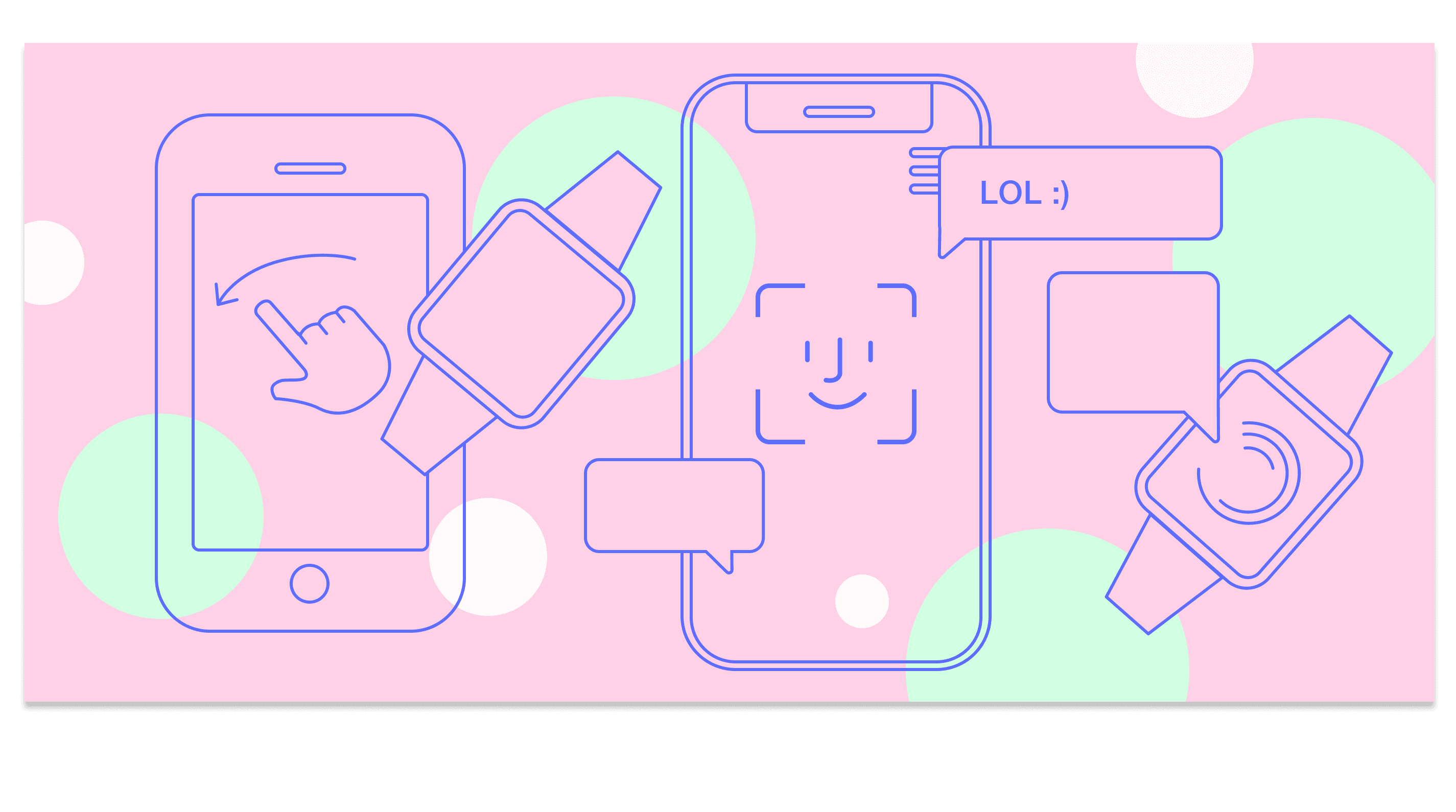
Have they shipped in your category? Regulated, high-stakes products need designers who already know the terrain. For example, a fintech mobile app has to make dense financial data readable on a small screen while meeting disclosure and security expectations. As TD Ameritrade's agency of record from 2010 to 2019, we redesigned its Mobile Trader app for iPhone and iPad and extended it to Apple Watch, work that helped the company earn a spot on Barron's list of Best Online Brokers of 2017 (read the case study).
Do they research before they design? Ask how they'll learn about your users and what they plan to test before handoff.
How do designers and engineers collaborate? Ask to see a real design-to-development handoff. Designers who understand front-end constraints produce work that survives the build.
Can they handle new interaction types? AI features like chatbots and voice assistants are showing up in more apps. A good partner can explain how conversational UI fits into the flows you already have.
Do they lead with a stack? We don't prescribe a specific technology. We work with you to understand your business needs and recommend an approach from there, as part of the consultation. Start that conversation here.
Designing Apps People Come Back To
Good design rarely calls attention to itself. People open the app, do what they came to do, and return. Getting there takes a user experience grounded in research, platform fluency, and real collaboration between design and engineering.
Big Human has designed and built digital products for global brands and early-stage startups for 15+ years, from fintech mobile apps to consumer products. Explore our UX/UI design services, or if you're planning a new app or rethinking one that isn't landing, talk to our team about how we'd approach it.